3 December 2013
We’ve recently launched a new feature for team leaders and managers.
Now, for an individual team member, you can set up email summaries to view
You can have the three types of summaries delivered daily, weekly and monthly. To get started, click on Other Features in the menu bar and then click on Summary.
Once set up, you should receive summaries in your mailbox that look like this
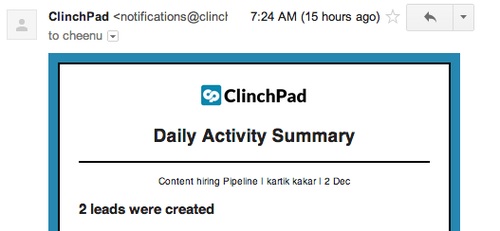
If you have any questions about using this feature, please feel free to reach out to us at [email protected] or drop a comment below